Your voice.
Their scene.
Hear the original. Record one line. Watch the scene with your voice.
1 line · 6-second scene · No signup neededTry another character.
Two quick takes and a full scene to choose from.
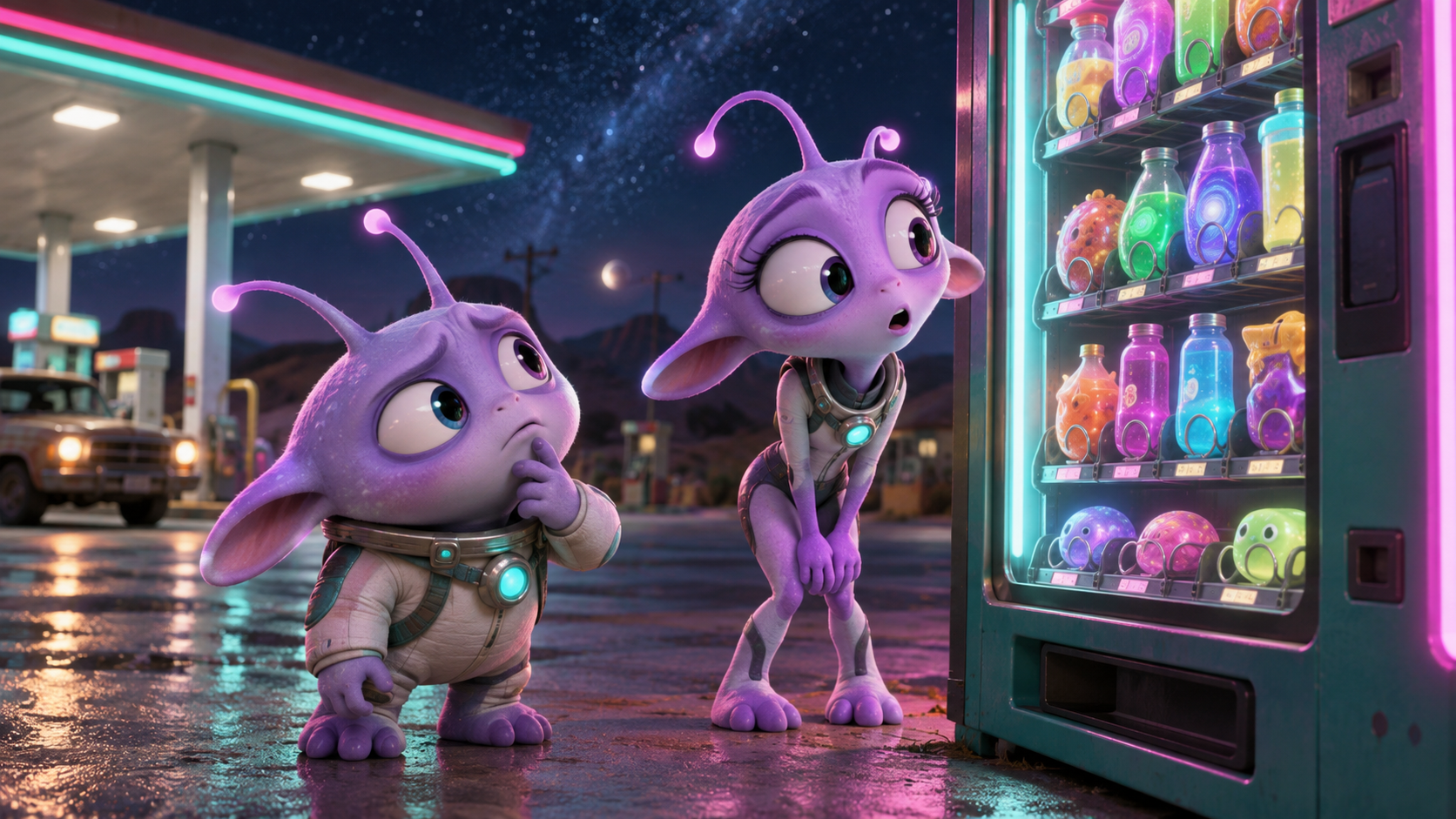


A little voice acting.
A lot of personality.
voiceovergame is a free browser game where you dub a character in an original short scene. No editing timeline to learn: just a script, your microphone, and your take on the character.
- 01
Pick your part.
Start with a one-line quick take or try a full scene. Choose a character and listen to the original delivery.
- 02
Make it your own.
Allow your mic when you’re ready. Follow the script, record your line, and redo it until you like the take.
- 03
Enjoy the reveal.
Watch your voice in the scene alongside the other character. Download the video when your dub is ready.
“Your best friend?”
There’s more than
one way to say it.
Try a silly character voice. Practice your timing. Or select both characters and pass the mic to a friend.
- Redo a line without starting over
- Play one character or both parts
- Keep a video of your finished dub
Before you
take the mic.
Answers to the usual questions about playing, recording, and keeping your dubs.
No signup to play.Your takes stay on this device.
What is a voice over game?
A voice over game lets you perform a character in a short scene. In voiceovergame, you listen to the original dialogue, record the scripted lines with your microphone, and replay the scene with your voice in it. The fun is in your delivery: dramatic, deadpan, or completely your own.
Is voiceovergame free? Do I need to sign in?
All six current scenes are free to play, preview, and download. You can start recording without an account. Sign-in is optional and does not add cloud storage for your recordings.
How do I play?
Choose a scene and a character. Listen to the original line, then select Record your line and allow microphone access. Follow the script, redo any take you like, and finish your character’s lines to watch your dub.
Do I need a microphone?
You need a microphone and browser permission to record your own voice. You can watch the original scene or try an original-voice preview without recording. Your microphone stays off until you select Record or Check microphone.
Can I play with a friend?
Yes. Select both characters and take turns with the microphone on the same device, or perform both parts yourself. There are no online rooms or remote multiplayer invitations.
Where are my recordings saved?
Your takes and drafts are saved in this browser on this device. They are not synced to an account or another device. Clearing browser data can remove them, so download a finished dub you want to keep.
Can I download my finished dub?
Yes. Finish your character’s lines, watch the result, and select Download video. The browser creates an MP4 or WebM file, depending on its recording support. You can share the downloaded video with friends.
Does it work on a phone?
You can play on a phone with a browser that supports microphone and video recording. Allow microphone access when prompted and use headphones to reduce background playback in your recording. Video download support varies by browser.
Give it your voice.
One line is all it takes to start.